
Skills for a CV, one skill at a time
CV skills fall into four groups: software and tools, skills of your field, thinking and communicating, and people skills. List only the skills the job ad asks for that you can prove, state your level by what you can do, and back each one with an experience bullet.
The four groups of CV skills
Job ads use the word “skills” for very different things. Sorting them into four groups tells you which page to read and what proof to bring. The grouping is ours. It is a way to organise the pages below, not an official standard.
| Group | What it covers | Proof that fits |
|---|---|---|
| Software and tools | Office apps, Excel, and the software every desk job uses. | Tasks you do in the app, and a certificate if you hold one. |
| Skills of your field | Technical stacks and equipment, project management, marketing. | What you built, ran or delivered, with scope and result. |
| Thinking and communicating | Critical thinking, decision-making, writing, presentation, active listening. | A situation, what you did and what changed. |
| People skills | Working with customers and colleagues; negotiation. | Who you worked with, how often, and what happened. |
Three rules apply to every skill. They are short here, and the full method is in skills for a CV and how to prove them, which also covers hard and soft skills, how many to list and where the section goes.
- Use the ad’s word. Readers and keyword searches look for it. See CV keywords and how to read a job ad.
- State level by what you can do. Write tasks, scope or audience, not bars, stars or percentages.
- Give each listed skill one proof bullet. If you cannot, leave the skill off.
Same skill, different names
One skill goes by several names. “Active listening” in one framework is “listening” in another and part of “communication” in a third. The table matches each page to the closest named skill in three official frameworks. The matching is ours, and where a framework has no name for a skill the cell says so.
| Our page | O*NET (US) | Skills for Success (Canada) | Skills Builder (UK) |
|---|---|---|---|
| Microsoft Office | Not a named skill; software is listed by product on occupation pages | Digital | Not a named skill |
| Excel | Not a named skill; Mathematics 2.A.1.e for number work | Digital; Numeracy | Not a named skill |
| Technical | Technical Skills group 2.B.3, such as Programming 2.B.3.e and Troubleshooting 2.B.3.k | Digital, for IT work; otherwise not a named skill | Not a named skill |
| Project management | Time Management 2.B.5.a; Coordination 2.B.1.b | Not a named skill | Planning |
| Marketing | Not a named skill | Not a named skill | Not a named skill |
| Presentation | Speaking 2.A.1.d; Instructing 2.B.1.e | Communication | Speaking |
| Writing | Writing 2.A.1.c | Writing | Not a named skill |
| Critical thinking | Critical Thinking 2.A.2.a | Problem solving | Problem solving |
| Decision-making | Judgment and Decision Making 2.B.4.e | Problem solving | Not a named skill |
| Active listening | Active Listening 2.A.1.b | Communication | Listening |
| People | Social Skills group 2.B.1, such as Social Perceptiveness 2.B.1.a and Service Orientation 2.B.1.f | Collaboration | Teamwork |
| Negotiation | Negotiation 2.B.1.d | Not a named skill | Not a named skill |
| Employability | Not a named skill; draws on the rows above | The whole framework | The whole framework |
| Core competencies | Not a named skill; an employer’s own list | Not a named skill | Not a named skill |
Canada’s government names nine Skills for Success: reading, writing, numeracy, digital, problem solving, communication, creativity and innovation, collaboration and adaptability. The Skills Builder Partnership’s Universal Framework has eight: listening, speaking, problem solving, creativity, adapting, planning, leadership and teamwork. O*NET, the US occupation database, sorts its skills into groups such as foundational areas, ways of working, social skills and technical skills, with a short definition for each.
How levels work in the frameworks
None of the frameworks uses bars or stars. They describe level as what a person can do. Canada’s Skills for Success uses entry, intermediate and advanced for six skills, and five numbered levels for reading, writing and numeracy. For problem solving, entry level means few, familiar variables, full information and low stakes; advanced means many complex, unfamiliar variables, little information and high stakes. Skills Builder gives each of its skills 16 steps, from “focusing” to “evaluating perspectives” for listening. SFIA, used in IT, has seven levels of responsibility, from “follow” to “set strategy, inspire, mobilise”. Microsoft splits its Office certificates into Associate and Expert.
On a CV, the same idea works without quoting any framework: level is the size of the problem, the stakes and how much help you needed. Write the task, the scale and the audience.
Which skills matter for your job
Start from the ad, not from a list. These are the pages we would read first for ten common job families. The choice is ours.
| Job family | Read first | Role example |
|---|---|---|
| Office and admin | Microsoft Office, writing | Administrative assistant |
| Reception and front desk | people, Microsoft Office | Receptionist |
| Finance and accounts | Excel, critical thinking | Accountant |
| Software and IT | technical, critical thinking | Software developer |
| Trades and maintenance | technical, decision-making | Electrician |
| Project and operations | project management, decision-making | Project manager |
| Marketing and content | marketing, writing | Marketing manager |
| Sales | negotiation, presentation | Sales representative |
| Customer service and care | people, active listening | Customer service |
| Teaching and training | presentation, active listening | Teacher |
Pages for named fields such as nursing or teaching will slot in here later. Until then, the role examples in the table show how each field words its skills.
Start here in ten minutes
- Open the ad and underline every skill word.
- Sort each word into one of the four groups.
- Cross out the words you cannot prove today.
- Read the page for the group with the most words left.
- Write each remaining skill as a task, then add one proof bullet.
Software and tools
Ads for desk jobs name software before anything else. Microsoft Office skills on a CV explains how to name each app and what you do in it, how to write Microsoft Office Specialist certificates, and what to say when you use Google tools. Excel skills on a CV gives a level ladder tied to the topics Microsoft’s Associate and Expert exams assess, and says why to write only what you could show in a test.
Skills of your field
These are the skills a trade, a team or a function owns. Technical skills on a CV covers the layout of a dense stack, depth and recency, SFIA levels for IT, and licences. Project management skills on a CV covers the scope, time and result line, the verb for your part and certificates with their awarding bodies. Marketing skills on a CV covers honest metrics, meaning the base, the period and your share of the result, and what marketing certificates do and do not show.
Thinking and communicating
These skills show in how you reason and how you pass information on. Critical thinking skills on a CV and decision-making skills on a CV are close but not the same: one is weighing evidence, the other is choosing within your authority. Writing skills on a CV covers what you wrote and for whom. Presentation skills on a CV splits speaking, slides and teaching. Active listening skills on a CV covers listening that changed an outcome.
People skills
People skills on a CV translates “excellent people skills” into the named social skills it usually means, such as noticing how others react or helping people. Negotiation skills on a CV covers stake, mandate and result, and what you can say when the deal was confidential.
Employability and core competencies
Two pages are about the frameworks themselves. Employability skills on a CV is for students, school leavers and returners, with evidence from outside work. For skills with no work history at all, see a CV with no experience. Core competencies on a CV is for experienced applicants and employers that assess competencies, and it separates the two meanings of the term.
A worked example
Lina Haddad is a fictional hotel front-desk agent in Montréal. She applies for an office coordinator job at Cormier Logistique, a fictional company. The ad says: “Strong Microsoft Office (Outlook, Word, Excel), SAP experience, written communication, problem solving, excellent people skills, scheduling, and budget forecasting. Project management training is a plus.”
She sorts the eight skill words into the four groups and checks which she can prove.
| Ad word | Group | Can she prove it? | Page she reads |
|---|---|---|---|
| Outlook, Word, Excel | Software and tools | Yes: daily bookings, guest letters, a simple tracker | Microsoft Office |
| SAP experience | Software and tools | No | Leave off |
| Written communication | Thinking and communicating | Yes: she writes guest emails and shift notes | Writing |
| Problem solving | Thinking and communicating | Yes: fixing double bookings | Critical thinking |
| People skills | People | Yes: about 150 guests a day | People |
| Scheduling | Skills of your field | Yes: group bookings and staff rotas | Project management |
| Budget forecasting | Skills of your field | No | Leave off |
| Project management training | Skills of your field | Partly: coordinated one event; no training | Project management |
Old skills line: Microsoft Office, communication, problem solving, people skills, hard-working.
New skills line: Outlook, Word and Excel (daily bookings, guest letters, a shift tracker); written guest communication in English and French; scheduling group bookings and staff rotas; resolving booking conflicts at a desk of 150 guests a day.
One proof bullet: Rebuilt the group-booking schedule in Excel after repeated double bookings, so two coordinators could see room holds at once and no group was double booked over the next six months.
Why it works:
- She keeps five of the eight ad words, each with a task, and leaves off SAP and budget forecasting, which she cannot prove. She does not claim project management training she does not have.
- Every word in the new line is the ad’s word or a plain task. There are no bars or adjectives.
- One bullet shows scheduling, Excel and problem solving at once, with a figure she can check.
Doing this in c-v.ai
In c-v.ai, suggested skills start unticked, so only what is true goes in. When you paste a job ad, tailoring ranks what the role asks for, must-haves first, and shows where your CV already covers each item and where it doesn’t. Every suggested change quotes the CV lines it is based on, changes that add numbers your CV doesn’t contain are rejected, and nothing changes until you approve it. The job ad is never treated as evidence about you.
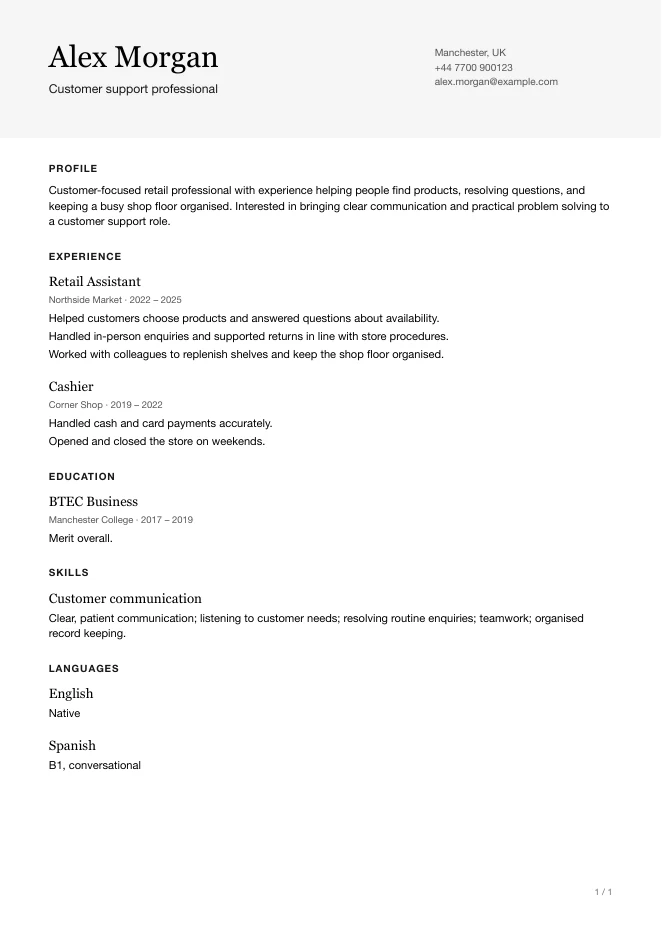 Classic
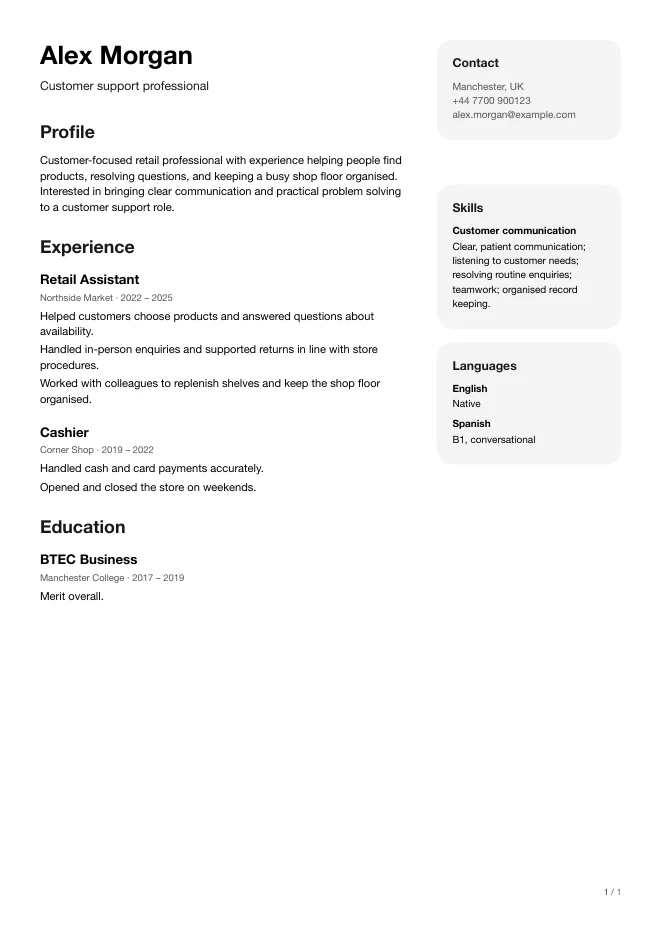 Modern
In c-v.ai your CV comes in six templates, from Classic and Modern to Banner and Timeline, each in six colours on A4 or US Letter.

Questions
What are the main types of CV skills?
Our four groups are software and tools, skills of your field, thinking and communicating, and people skills. They are our grouping. Official frameworks use their own: O*NET, for example, has foundational skills, ways of working and several skill families.
Which skills should I list first?
The ones the ad asks for that you can prove. Put the group the ad leans on first. See skills for a CV and how to prove them for how many to list and where they go.
Do different countries name skills differently?
Yes. O*NET in the US, Canada’s Skills for Success and the UK’s Skills Builder framework each use their own names, and some skills have no matching name in one of them. The table on this page shows the closest named match.
Can I use these skill names on my CV?
Use the ad’s wording first. Framework names are a neutral label when the ad is vague, or when you apply to a public body that uses a framework.
Where are the pages for specific jobs?
Skill pages for named fields, such as nursing or teaching, are planned. For now, use the job-family table on this page, which links a CV example for each family.
Sources
- O*NET OnLine: Skills, Foundational Areas and Ways of Working (2.A)
- O*NET OnLine: Skills, Social, Systems, Technical and Resource Management Skills (2.B)
- Government of Canada: Skills for Success
- Government of Canada: Skills for Success, learning steps and proficiency levels
- Skills Builder Partnership: The Universal Framework
- Microsoft Learn: Microsoft Office Specialist: Expert (Microsoft 365 Apps)
- SFIA Foundation: SFIA 9 levels of responsibility