
Microsoft Office skills on a CV
Write the Office apps the job ad names and one task you do in each, such as mail merge in Word or shared calendars in Outlook, instead of “proficient in MS Office”. If you hold a Microsoft Office Specialist certificate, add its exact title and the year you passed.
Why “MS Office” alone is weak
“Proficient in Microsoft Office” gives a reader nothing to check. Office is several tools, and a person can be strong in one and lost in another. Most ads care about one or two of them.
Name the apps instead. O*NET, the US occupation database, lists software by product on each occupation page. For computer user support specialists it names Microsoft Excel, Microsoft Outlook and Microsoft Word as separate items. Readers and keyword searches look for those names. Microsoft’s own certificates now call the current version “Microsoft 365 Apps”, so write “Microsoft 365” only when you mean the suite.
This page covers Word, Outlook, PowerPoint as software, Teams and shared files. Excel has its own page, Excel skills on a CV, and giving a talk is on presentation skills on a CV. How many skills to list and where they go is in skills for a CV and how to prove them. The skills hub maps all the skill pages.
1. Find the apps in the ad
Read the ad for app names and for tasks that hide an app. “Prepare board packs” means Word and PowerPoint. “Manage the diary for three directors” means Outlook. “Keep the team site up to date” means SharePoint or Teams. Copy each name in the ad’s spelling. Our guides to reading a job ad and CV keywords show how to sort and match them.
2. Write a task for each app
A task is something you do in the app, for someone, at a known size. The ladder below is ours, not an official scale. It draws on what the apps do and on the topics Microsoft’s certificates assess.
| App | Basic | Working | Advanced |
|---|---|---|---|
| Word | Type and format letters, use headings and lists. | Templates and styles, mail merge, tables, tracked changes and comments. | Long documents with a contents page, references and section layouts; run a shared review. |
| Outlook | Send, reply, attach files, use folders. | Manage a calendar, send meeting requests, set rules and contacts. | Run several people’s calendars, rooms and recurring events; delegate access. |
| PowerPoint | Add text and pictures to slides. | Use a master slide, tables, charts, transitions. | Build a branded template others reuse. |
| Teams | Join meetings, chat, share files. | Run meetings, set up channels, record. | Set up team spaces for others. |
| SharePoint and OneDrive | Open and save shared files. | Organise folders, set sharing, use version history. | Maintain a team site or document library. |
Microsoft’s certificate pages give useful starting points. The Word page lists reports, newsletters, résumés and business correspondence. The Outlook page lists creating calendars, coordinating building resources and assigning meeting action items. The PowerPoint page lists sales presentations, employee training and kiosk slideshows.
Excel gets one line here: say what you build, such as a budget tracker or a stock list, and use the Excel page to place your level.
3. State your level in tasks
“Word: mail merge for 300 patient letters” already states a level. “Advanced Word” does not. Write the task and the size instead of an adjective, and never use bars, stars or percentages.
Official frameworks work the same way. Canada’s Skills for Success describes digital skills at three levels by what a person can do: at entry level, using basic functions of familiar devices; at intermediate level, a wider range of functions on familiar and unfamiliar devices; at advanced level, in-depth knowledge of device operations and IT systems. In the EU, the European Commission’s Joint Research Centre publishes DigComp, the digital competence framework, now in version 3.0. If an application form asks for a level in a named framework, give it. Otherwise tasks are enough.
4. Prove it in a bullet
Take the one or two apps the ad leans on and put each in an experience bullet: the task, how much or how often, and what it changed for someone. If you do not know a number, describe the change instead. The skills line names the app and its tasks in a few words, and the bullet carries the proof. Our guide to work experience on a CV covers bullets in general.
Microsoft Office Specialist exams
The Microsoft Office Specialist (MOS) certificates are Microsoft’s own, one per app. This is what Microsoft Learn lists in November 2026.
| Certificate | Exam | Microsoft’s level |
|---|---|---|
| Word Associate (Microsoft 365 Apps) | MO-110 | Intermediate |
| Excel Associate (Microsoft 365 Apps) | MO-210 | Intermediate |
| PowerPoint Associate (Microsoft 365 Apps) | MO-310 | Intermediate |
| Outlook Associate (Office 2019) | MO-400 | Intermediate |
| Word Expert (Microsoft 365 Apps) | MO-111 | Advanced |
| Excel Expert (Microsoft 365 Apps) | MO-211 | Advanced |
Points worth knowing before you write one down:
- Office 2019 exams still count. Microsoft still lists MO-100 (Word), MO-200 (Excel), MO-300 (PowerPoint) and the Expert exams MO-101 and MO-201. If you passed one, keep “(Office 2019)” in the title.
- Outlook has no Microsoft 365 Apps exam yet. Microsoft lists MO-410 as “coming soon”, so MO-400 is the current Outlook exam.
- Two combined titles exist. Microsoft Office Specialist: Associate (Microsoft 365 Apps) needs three Associate exams in different apps, at least one of them a Microsoft 365 Apps exam. Microsoft Office Specialist: Expert (Microsoft 365 Apps) adds two Expert exams in different apps.
- The exam itself: the app pages say 50 minutes, proctored, about 150 hours of instruction and hands-on use expected, and renewal every 60 months.
Write the title exactly as Microsoft lists it, then the year:
Microsoft Office Specialist: Word Associate (Microsoft 365 Apps), 2026
If you are studying, write “in progress, exam booked for March 2027” with a real date, or leave it off. Our view: a certificate helps most when the ad asks for one, when your experience is thin, or when the job is mostly office software. After a few years of admin work, your bullets do more.
Google Workspace and “or similar”
If the ad says “Microsoft Office or similar”, name what you use. Google Docs, Google Sheets, Google Slides, Gmail and Google Calendar are different products. Do not rename them as Word or Excel, even when the task is the same. Give each one a task. If you also use some Microsoft apps, list them with their own tasks. A reader who sees you run a shared calendar in one tool can judge for themselves how fast you would learn the other.
Weak and strong lines
| Weak | Strong | Why |
|---|---|---|
| Proficient in MS Office | Word: templates, mail merge, tracked changes on 20-page contracts | Names the app and the tasks. |
| Outlook | Outlook: managed three directors’ calendars and meeting rooms | Shows scale and who it was for. |
| Microsoft Office Suite (expert) | Word, Outlook and PowerPoint daily; Excel for simple budgets | An honest split by app. |
| PowerPoint | PowerPoint: built the 12-slide induction deck every new starter sees | Software and result. Delivery is a separate skill. |
| Computer literate | Teams and OneDrive: set up shared folders and permissions for a team of 15 | Replaces a vague word with a task. |
A worked example
Thandiwe Mokoena is a fictional medical receptionist in Pretoria. She applies to be practice administrator at Jacaranda Family Practice, a fictional clinic. The ad says: “Prepare letters and reports in Word, manage doctors’ diaries in Outlook, keep the team’s shared files in order, and produce a monthly summary for the practice owner.”
Old skills line: Proficient in MS Office.
New skills line: Word (templates, mail merge, tracked changes); Outlook (shared calendars, meeting requests, rules); OneDrive (shared folders and permissions); Excel (simple tracking sheets); PowerPoint (short staff briefings).
Bullets under her current job:
- Managed the diaries of four doctors in Outlook, moving about 30 changed appointments a week without double bookings.
- Wrote the practice’s patient letter templates in Word and sent a mail merge of about 300 recall letters each quarter.
- Set up a shared OneDrive folder for forms and rotas, so staff stopped emailing different versions of the same file.
Why it works:
- The three apps the ad names come first, in its words, each with a task.
- Excel and PowerPoint appear at an honest level, with “simple” and “short”, so she claims nothing she cannot show.
- Each bullet is something an interviewer could ask about, with an ordinary, approximate number.
Other roles where this matters: administrative assistant, office assistant, medical receptionist and executive assistant.
Doing this in c-v.ai
c-v.ai’s AI review suggests clearer wording and shows which CV lines each suggestion is based on. If a fact is missing, such as which apps you use, it asks you instead of inventing one. Suggested skills start unticked, so only the apps that are true go in, and nothing changes until you approve it. The AI can make mistakes, so you check every change.
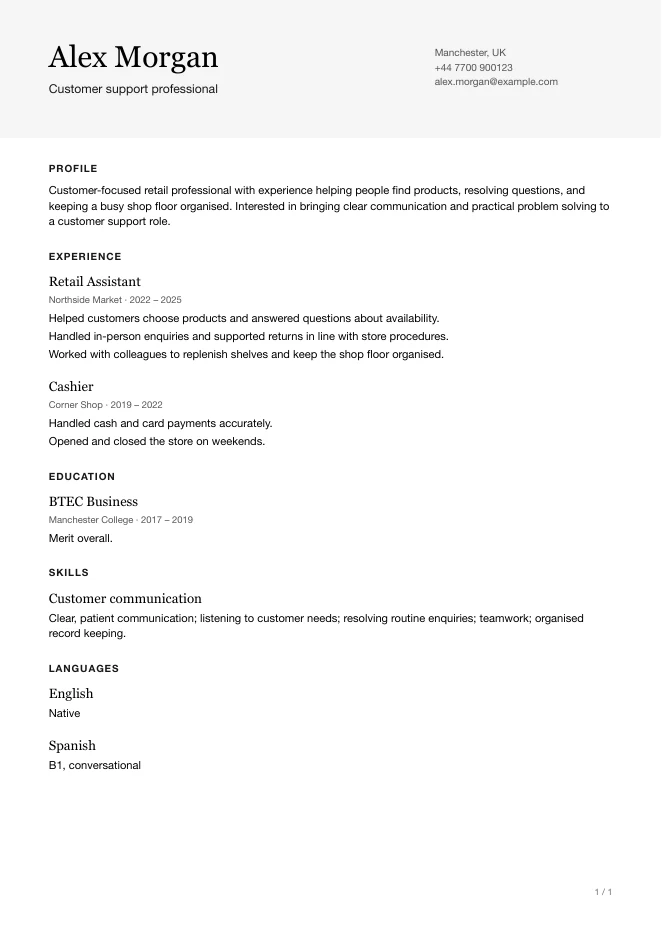 Classic
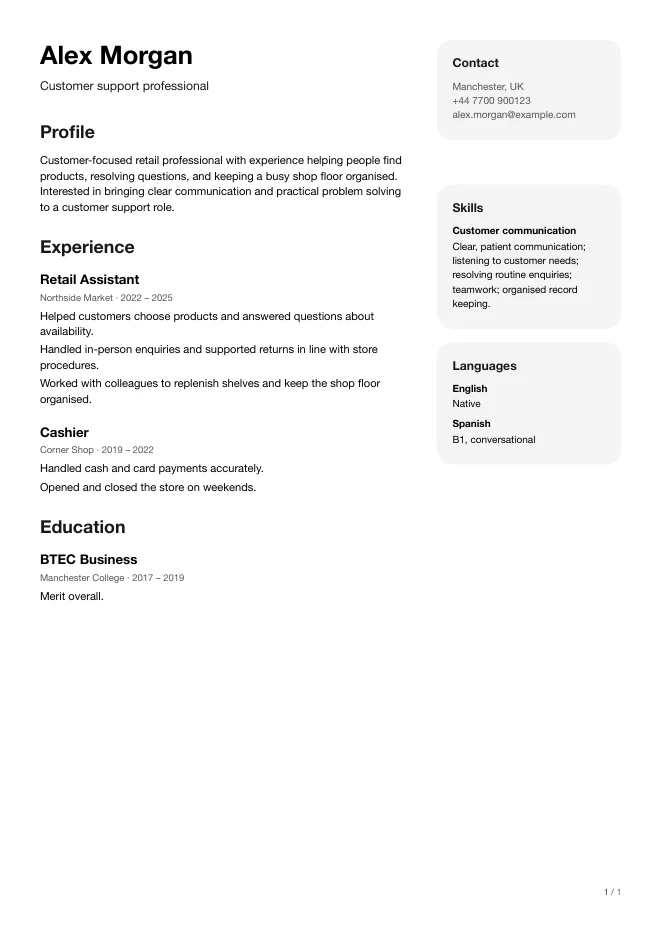 Modern
In c-v.ai your CV comes in six templates, from Classic and Modern to Banner and Timeline, each in six colours on A4 or US Letter.

Questions
Should I write Microsoft Office or Microsoft 365?
Name the apps, such as Word and Outlook, in the ad’s spelling. Microsoft’s current certificates call the latest version “Microsoft 365 Apps”, so use “Microsoft 365” if you name the suite and the ad does too.
Which Microsoft Office Specialist exams are current?
Microsoft Learn lists Word (MO-110), Excel (MO-210) and PowerPoint (MO-310) for Microsoft 365 Apps, Word Expert (MO-111) and Excel Expert (MO-211), and the Office 2019 exams, which still count. Outlook is Office 2019 only (MO-400); a Microsoft 365 Apps version is listed as coming soon.
Does a Microsoft Office Specialist certificate help?
It helps most when the ad asks for one or your work history is short. Microsoft says Associate candidates should have about 150 hours of instruction and hands-on use. Tasks from real work still carry more weight.
What if I use Google Docs and Sheets?
Write the names you use: Google Docs, Google Sheets, Gmail, Google Calendar. If the ad says “Microsoft Office or similar”, list your Google tools with a task each, and add any Microsoft apps only if you have used them.
Sources
- Microsoft Learn: Microsoft Office Specialist: Associate (Microsoft 365 Apps)
- Microsoft Learn: Microsoft Office Specialist: Expert (Microsoft 365 Apps)
- Microsoft Learn: Microsoft Office Specialist: Word Associate (Microsoft 365 Apps)
- Microsoft Learn: Microsoft Office Specialist: PowerPoint Associate (Microsoft 365 Apps)
- Microsoft Learn: Microsoft Office Specialist: Outlook Associate (Office 2019)
- O*NET OnLine: Computer User Support Specialists (15-1232.00)
- Government of Canada: Skills for Success, learning steps and proficiency levels
- European Commission Joint Research Centre: DigComp, the digital competence framework for citizens