
c-v.ai / CV examples / IT and digital
Desktop support technician CV example
A desktop support technician CV should show how many users and computers you look after, how you set up and repair them, and how you record each fix. Below is a full example for an experienced technician and a version for a student with no IT job yet, with the bullet points and tailoring steps behind them.
Desktop support technician CV: what employers look for
The National Careers Service (which covers England) IT support technician profile, O*NET, the US Bureau of Labor Statistics, Canada’s NOC and Australia and New Zealand’s ANZSCO describe the work, and O*NET lists desktop support technician as a sample title. Your CV (résumé) should show:
- Setup and installation. O*NET lists setting up equipment for employee use, including cables and operating systems. Canada’s NOC lists hardware and software installation technician among its titles.
- Diagnosis and repair. O*NET lists conducting computer diagnostics and installing and making minor repairs to hardware and peripherals. ANZSCO lists repairing and replacing peripheral equipment such as terminals, printers and modems.
- User accounts. The England profile lists setting up and managing user accounts and security, and O*NET’s technology examples include Microsoft Active Directory.
- Tickets and records. The England profile lists recording issues on a tracking system and updating online knowledge bases. Canada’s NOC lists keeping a log of problems and solutions.
- Certification. CompTIA says its A+ exams prepare you for roles such as IT support specialist and help desk technician, and Canada’s NOC says some employers require vendor certification or training.
Desktop support technician CV example
Derek Eliason
Desktop support technician · Winnipeg, Manitoba
Profile
Desktop support technician with ten years in IT support, the last six at a food processor with about 400 users on Windows laptops and desktops. Sets up and repairs computers, manages accounts in Active Directory and records every fix in the ticket. Looking for a senior support role with more project work.
Experience
Desktop support technician, Vandrake Foods, Winnipeg2020 – present
- Support about 400 users on Windows laptops and desktops across a head office and two plants, working through the ticket queue.
- Image and set up about 20 new computers a month and record each one in the asset list.
- Create, change and disable accounts in Active Directory and Microsoft 365 when staff join, move or leave.
- Diagnose hardware, software and printer faults, and replace parts or pass the ticket to the network team when the fault is outside the desk.
- Install software and run Windows updates in a monthly maintenance window.
- Write knowledge base articles for the faults raised most often.
Help desk technician, Hexling IT Services, Winnipeg2016 – 2020
- Answered phone and email tickets for small business clients and fixed most of them remotely.
- Passed hardware faults to the field engineer with notes on what had been tried.
Education
Diploma, Information Technology, College, Winnipeg2014 – 2016
Grade 12 high school diploma, High school, Winnipeg2014
Skills
Windows 11 · Active Directory · Microsoft 365 accounts · Ticket queues · Computer imaging · Printer repair · Remote support
More
Certification: CompTIA A+ certification, 2025
Languages: English, French
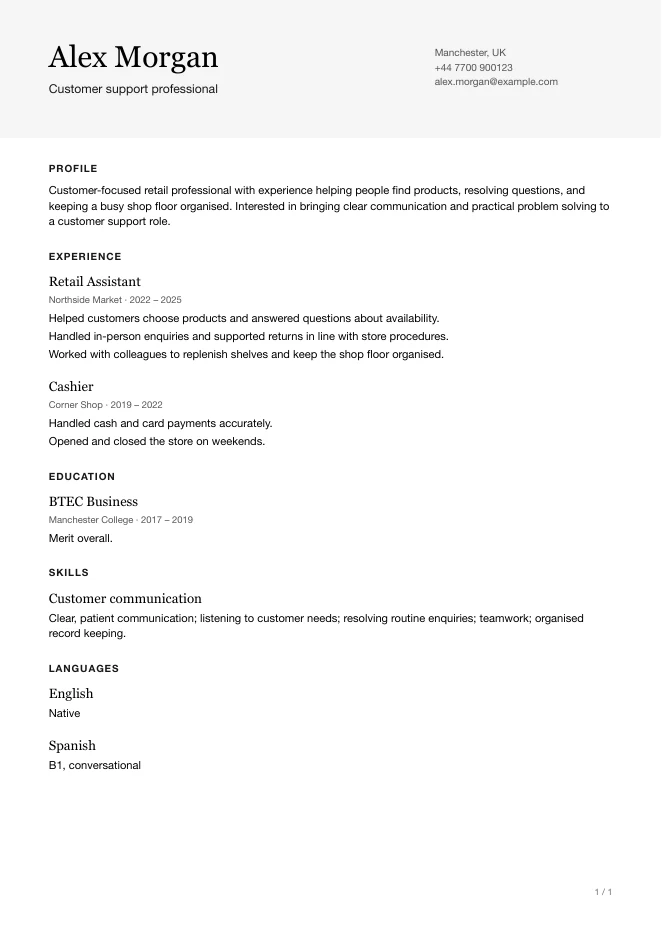 Classic
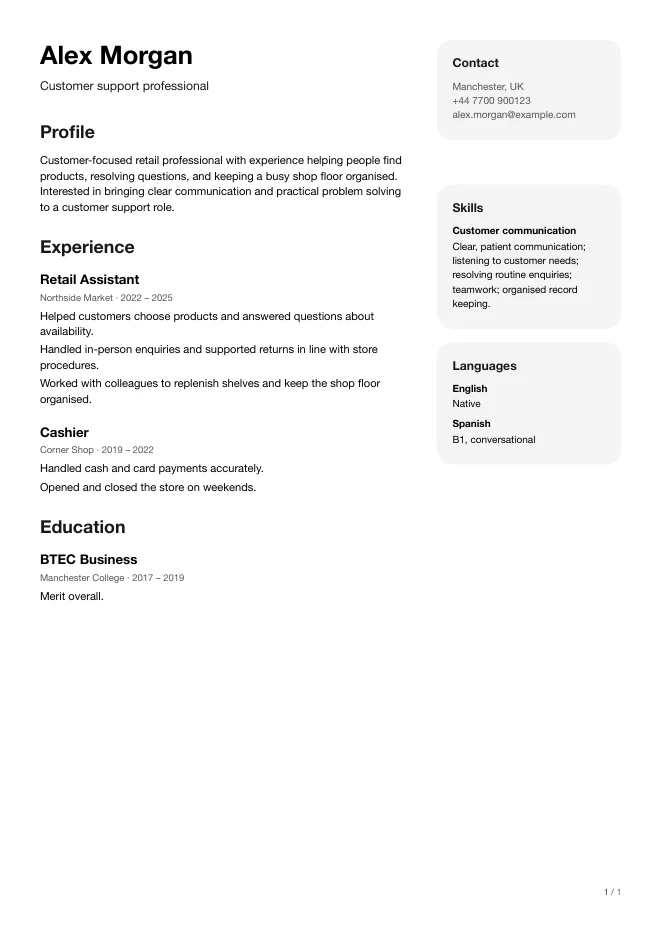 Modern
Use this example as your guide. In c-v.ai your CV comes in six templates, from Classic and Modern to Banner and Timeline, each in six colours on A4 or US Letter.

Derek’s headline uses a title O*NET lists, and his first bullet gives the number of users, the devices and the sites. His bullets cover setup, diagnosis, accounts, updates and records, the tasks the profiles list. The monthly count of new computers is a figure he would know from his asset list. His CompTIA A+ certification has its own line, with the year, because CompTIA describes it as preparation for support roles.
Desktop support technician cover letter example
Derek answers a fictional posting from a Winnipeg health company for a senior desktop support technician, which asks for Windows and Microsoft 365 support, Active Directory accounts, hardware repair and documented fixes, and names the IT service manager.
Dear Ms. Rasmussen,
I am applying for the Senior Desktop Support Technician position at Corrow Health Group. I have ten years in IT support, the last six as a desktop support technician at Vandrake Foods in Winnipeg, where I support about 400 users on Windows laptops and desktops across a head office and two plants.
Your posting asks for Windows and Microsoft 365 support and account management. I create, change and disable accounts in Active Directory and Microsoft 365 when staff join, move or leave, and I install software and run Windows updates in a monthly maintenance window.
You also ask for hardware repair and documented fixes. I diagnose hardware, software and printer faults, and I replace parts or pass the ticket to the network team when the fault is outside the desk. I image and set up about 20 new computers a month, record each one in the asset list and write knowledge base articles for the faults raised most often.
Before Vandrake I spent four years at Hexling IT Services as a help desk technician, answering phone and email tickets for small business clients and fixing most of them remotely. Thank you for considering my application. I would be glad to talk about the role.
Sincerely,
Derek Eliason
Why it works:
- The posting opens with Windows, Microsoft 365 and accounts, so the second paragraph answers those with the Active Directory bullet and the update window.
- Hardware repair and documentation share a paragraph because the posting lists them together, and each has a fact from his CV.
- The posting names the IT service manager as “Ms. Kristin Rasmussen”, so the greeting is “Dear Ms. Rasmussen” and the close is “Sincerely”.
For the full method, see how to write a cover letter from the job ad.
How to write each section
Personal statement
Give the number of users, the systems, what you set up and repair, and what you want next. Here is a statement for a different setting, a support technician in a school:
IT support technician for a secondary school, looking after about 600 student laptops and the classroom projectors. Resets accounts, repairs devices and logs each fix. Looking for a role with more of the network side.
Experience bullets
| Weak | Strong |
|---|---|
| Fixed computers. | Diagnose hardware, software and printer faults, and replace parts or pass the ticket to the network team when the fault is outside the desk. |
| Set up new computers. | Image and set up about 20 new computers a month and record each one in the asset list. |
| Handled user accounts. | Create, change and disable accounts in Active Directory and Microsoft 365 when staff join, move or leave. |
Fair numbers for this role are counts you know from your own queue and asset list: users supported, computers set up a month, sites covered. A figure you can’t explain at interview should be left out.
Skills
The profiles name these tasks and tools, so list the ones you use:
- Windows 10 or 11
- Active Directory and Microsoft 365 accounts
- A ticket system and knowledge base
- Computer imaging and asset lists
- Printer, projector and peripheral repair
- Remote support tools
- Software installation and updates
- Basic networking and VPN
Leave “customer service” to the ticket bullets, where the number of users and the kinds of fault show it. Our guide to skills for a CV has more.
Education and certificates
Put your latest relevant qualification first, then certifications with the year. Canada’s NOC says a college program in computer science, programming or network administration is usually required, and ANZSCO gives a diploma as the usual level in Australia and New Zealand. Lines look like this:
- Canada: “Diploma, Information Technology, College, 2016”
- New Zealand: “Diploma in Information Technology (Level 5), Polytechnic, 2026”
- England: “T Level in Digital Support and Security” or “Level 3 Digital Support Technician apprenticeship (in progress)”
- Certification: “CompTIA A+ certification, 2025”
Languages fit under extras.
Desktop support technician CV with no experience
Sione Kingi
Aspiring desktop support technician · Napier, New Zealand
Profile
Diploma student with two years as a school IT monitor and a Level 5 IT diploma with results expected in December 2026. Sets up classroom equipment, resets accounts and writes down each problem and its fix. Looking for a desktop support or help desk role from 2027.
Experience
IT monitor (student), Secondary college, Napier2023 – 2025
- Reset student passwords and set up classroom projectors before lessons.
- Wrote each problem and its fix in a shared log for the IT technician.
Library volunteer, Community library, Napier2024 – 2026
- Showed visitors how to use the public computers and printers, two afternoons a week.
Checkout operator (part-time), Supermarket, Napier2025 – present
- Served customers at the checkout and counted the till at the end of each shift.
Education
Diploma in Information Technology (Level 5), results expected December 2026, Polytechnic, Napier2026
NCEA Level 3, Secondary college, Napier2025
Skills
Windows setup · Password resets · Projector and printer setup · Problem logs · Customer service
More
Projects: Rebuilt four family computers by replacing hard drives and reinstalling Windows
Languages: English, Te Reo Māori
Sione lives in Napier and is finishing a Level 5 diploma. ANZSCO gives an NZQF diploma as the usual level for ICT support technicians in New Zealand, and says at least three years of experience or vendor certification may substitute for it, so the diploma line carries its expected results date. If you are starting out, lead with:
- School IT monitor work. Setting up projectors and resetting passwords matches the profiles’ tasks of setting up equipment and managing user accounts.
- The shared log. Writing each problem and its fix in a log is the habit Canada’s NOC lists, and it is honest about who the log was for.
- The diploma and its date. The diploma line says results are expected in December 2026, so a reader knows when Sione can start.
- The rebuilt computers. Four family computers, with the parts replaced and Windows reinstalled, is a small and exact claim a reader can ask about.
Our guide to a CV with no experience has more on this.
Tailoring a desktop support technician CV
Derek applies for a systems support analyst job at a hospital. The ad asks for “Windows Server administration”, “experience with a service desk tool” and “remote support”.
- He moves the ticket queue bullet to the top, because the ad asks for service desk experience.
- He adds remote support to his skills, because he fixed most tickets remotely at Hexling.
- He doesn’t claim Windows Server administration. His CV shows Active Directory accounts and no server work.
The full method is in our guide to tailoring a CV to a job description. In c-v.ai, you paste the ad or add a screenshot, and the app ranks what the role asks for and shows which ones your CV covers and which it doesn’t. The job ad is never treated as evidence about you, and you check every change before it goes in.
What changes in other countries
- United States. O*NET lists computer user support specialists, with Help Desk Analyst and Desktop Support Technician as sample titles. The Bureau of Labor Statistics says some candidates qualify with a high school diploma plus IT certifications. The document is a résumé (see CV vs résumé), and Pomona College’s career office advises one to two pages with no photo, age, birth date or marital status.
- Canada. NOC lists desktop support analyst, deskside support technician and help desk technician under user support technicians. Memorial University’s career service advises leaving out a photo, your age and your relationship status.
- England. The National Careers Service, which covers England, lists help desk technician, IT service engineer and service desk analyst as titles, and gives typical hours of 35 to 40 a week, with evenings and weekends on shifts.
- Australia. ANZSCO lists ICT Customer Support Officer and Hardware Technician under ICT support technicians, whose usual level is an AQF diploma or associate degree.
- New Zealand. ANZSCO covers New Zealand too and gives an NZQF diploma as the usual level for the same group.
Before you apply online, read our ATS-friendly CV guide. c-v.ai checks every PDF on your iPhone for selectable text, standard headings and reading order. Systems differ, so no check can promise how one will read your CV. For a related role, see the IT support CV example.
Questions
Do I need a degree for desktop support?
No. The US Bureau of Labor Statistics says user support roles usually need some computer knowledge and often some college coursework, not necessarily a degree. Canada’s NOC says a college program is usually required, and the England profile lists apprenticeships with no entry qualifications at foundation level.
Is CompTIA A+ worth listing?
Yes, if you hold it. CompTIA says passing its two A+ exams prepares you for roles such as IT support specialist and help desk technician. List it with the year.
What is the title in other countries?
England: IT support technician, help desk technician or service desk analyst. US: computer user support specialist, with desktop support technician as an O*NET sample title. Canada: user support technician. Australia and New Zealand: ICT customer support officer or hardware technician.
Can I give ticket counts?
Counts you know, such as users supported or computers set up a month, are fair. Leave out resolution rates you can’t explain at interview.
Sources
- National Careers Service: IT support technician
- O*NET OnLine: Computer User Support Specialists (15-1232.00)
- U.S. Bureau of Labor Statistics, Occupational Outlook Handbook: Computer Support Specialists
- Government of Canada, NOC 2021: 22221 User support technicians
- Australian Bureau of Statistics, ANZSCO 2022: 3131 ICT Support Technicians
- CompTIA: A+ certification
- Pomona College Career Development Office: U.S. Résumé Tips for International Students
- Memorial University of Newfoundland Career Services: Career FAQs for International Students