
Writing a cover letter with AI, safely
Give the AI only your real CV and the job ad, tell it to use facts from your CV alone, and have it ask you when something is missing. Then check every sentence against your CV before you send. Some employers limit AI, so read the ad first, and leave contact details and ID numbers out when you paste.
1. Check the employer’s AI rules
Do this before you open a chatbot. The University of Edinburgh’s careers service says the most important thing is to follow the employer’s stated position on generative AI, and that some employers say they won’t accept AI-generated applications. The University of Liverpool says employers may allow limited use, restrict it at some stages, or say nothing.
Public employers often publish rules. The Scottish Government lets candidates use AI to refine ideas, check spelling and clarity, and find the skills in an advert. It does not allow inflated or invented experience, or generic responses copied into an application. The Royal Household also lists AI content with little personal input as not acceptable. If the rules are unclear, ask the employer before you send.
2. Remove what the AI doesn’t need
The AI doesn’t need your name, phone number, email, home address, date of birth or any ID number to draft a letter. Tahatū suggests leaving your name and contact details out until you edit the draft, and keeping sensitive details such as financial information and passwords out of AI tools altogether. Edinburgh warns that what you enter into a tool may become public.
Paste your CV text with placeholders such as [Name] and [Phone]. Add the real details yourself at the end. Settings differ between ChatGPT, Claude and Gemini, so read what happens to your CV in ChatGPT and check your data controls first.
3. Set rules that stop invention
AI tends to fill gaps with details that sound right and aren’t yours. Give it two inputs only: your real CV and the full job ad. Then set the rules in the first message.
I will paste my CV and a job ad. Rules for this whole chat: write only about facts that are in my CV or that I tell you. The job ad tells you what the employer wants, never what I have done. Never add a skill, tool, qualification, number, date or result I haven’t given you. If the ad asks for something my CV doesn’t show, ask me a question instead of guessing. Write in [British/American] English for a job in [country]. Reply “Understood” and wait for my CV.
Paste the CV first, then the ad. Keep everything in one chat so the rules stay in force. Our CV prompts that don’t invent experience use the same ground rules.
4. Answer its questions
Before any drafting, ask for the gaps.
List what the ad asks for as must-haves, repeated themes and nice-to-haves. Next to each one, quote the line of my CV that gives evidence for it, or write “not in the CV”. Don’t write the letter yet. Then ask me up to three short questions about the items that aren’t in the CV, and wait for my answers.
Answer only what is true. If you have no experience of something, say so. A letter that skips that requirement, or admits the gap in one honest line, is better than a letter that bluffs. The National Careers Service says a cover letter can address gaps in your history, so a short, honest line is acceptable.
5. Ask for a draft with sources
The National Careers Service describes a cover letter as brief, typically three to five paragraphs. It should name the job and how you found it, show how your skills and experience match the role, say why you want to work for that organisation, and close by thanking the reader, pointing to your CV and giving your contact details. Ask for exactly that, with a source for every claim.
Now write a cover letter of three to five short paragraphs. One paragraph for each main requirement, using only my CV and my answers. After each paragraph, add a line “Based on:” that quotes the CV lines or answers it uses. Say why I want this role using only what the ad says about it. Don’t invent anything about the company. Use placeholders for my name and contact details.
For layout, greetings and sign-offs by country, see our guide to writing a cover letter from the job ad.
6. Check every sentence
Read the draft slowly, one sentence at a time, with your CV open beside it. The University of Liverpool’s test is whether you could explain and defend every sentence at interview. Use these checks:
- Is it in your CV? Every fact about you must be there, or be something true that you told the AI. Delete the rest, or add it to your CV if it is true.
- Is every number yours? Delete any figure you didn’t give the AI. A number that sounds right is still invented.
- Is the ad being used as evidence about you? A sentence that repeats what the employer wants, as if you already do it, needs a CV line behind it.
- Is the company description right? Liverpool says to fact-check what AI says about employers and sectors. Look at the employer’s own website.
- Does it fit your country? Tahatū warns that AI may use the wrong spelling, terms or tone for your country.
- Does the “Based on” line really support the sentence? Check the quoted line says what the sentence claims.
You can also ask the chatbot: “List every claim in this letter that isn’t in my CV or my answers.” Treat the answer as a help, not a verdict. The chatbot can miss things, so you still read every line.
7. Make it sound like you
Tahatū says to add your own examples and details and to check that the wording sounds like you. Edinburgh advises against copying AI output directly, because it produces generic applications. Cut stock phrases, shorten long sentences, and put in one detail only you would know, such as what a customer said or what you changed in your team’s routine. Then add the contact details, the employer’s name and the contact person if the ad gives one. Tahatū also suggests asking a friend, mentor or career adviser to read the letter.
Write a new letter for each job. The Royal Household lists copied or non-specific content sent to many roles as not acceptable.
A worked example
Amira Khan is a fictional receptionist at a veterinary clinic in Sheffield. She has worked there since September 2023. She is applying for an office coordinator job at Linden Row Dental Practice, a fictional practice in Leeds. The ad asks for appointment scheduling, patient records and “experience with dental practice software”. Her CV says:
Book appointments for four vets and keep the clinic diary full without double bookings. Answer phone and email enquiries. Keep a spreadsheet of medical supplies and tell the manager when stock runs low.
Following step 4, the AI lists the requirements and writes “not in the CV” next to dental practice software. It asks: “Have you used dental or other clinic booking software? Answer only if it’s true.” Amira answers that she uses the clinic’s online booking system every day, but has never used dental software. The paragraph the AI drafts:
At Oakfield Veterinary Clinic I book appointments for four vets and keep the diary free of double bookings. I use the clinic’s online booking system every day, and I haven’t yet used dental practice software, though I learn new systems quickly.
Based on: “Book appointments for four vets and keep the clinic diary full without double bookings”; Amira’s answer about the booking system.
In step 6, Amira checks it. “Four vets” and “double bookings” are in her CV, and the booking system comes from her answer. “I learn new systems quickly” is in neither, so she replaces it with a fact from her CV: “I keep a spreadsheet of medical supplies and tell the manager when stock runs low.” The gap in dental software stays, in one honest clause.
Why it works:
- Every claim has a source line, so checking takes minutes.
- The AI asked instead of assuming she knew dental software.
- She removed the one sentence she couldn’t back up and could explain every line at interview.
Doing this in c-v.ai
In c-v.ai, any CV with a saved job ad, usually a job version, can have its own cover letter. A job ad is always needed. The AI drafts three to five short paragraphs, about 250 to 400 words. It says why you want the role using only what the ad says, then matches your experience and results to the ad’s main requirements, then closes.
Facts about you come only from your CV. While you review the draft, each paragraph has a “Based on” list quoting the CV lines it uses. If the ad asks for something your CV neither shows nor rules out, the app asks up to three questions (“Answer only if it’s true for you”) and leaves it out until you answer. A second AI check drops paragraphs it can’t match to your CV, and numbers that aren’t in your CV are blocked. AI can still make mistakes, so read every sentence. Nothing is saved until you choose “Use this letter”, and then every field is editable. Contact details and your photo aren’t sent to the AI.
AI cover letters are in Plus and in the one-CV purchase. Writing a letter yourself is free. See pricing and the cover letter builder.
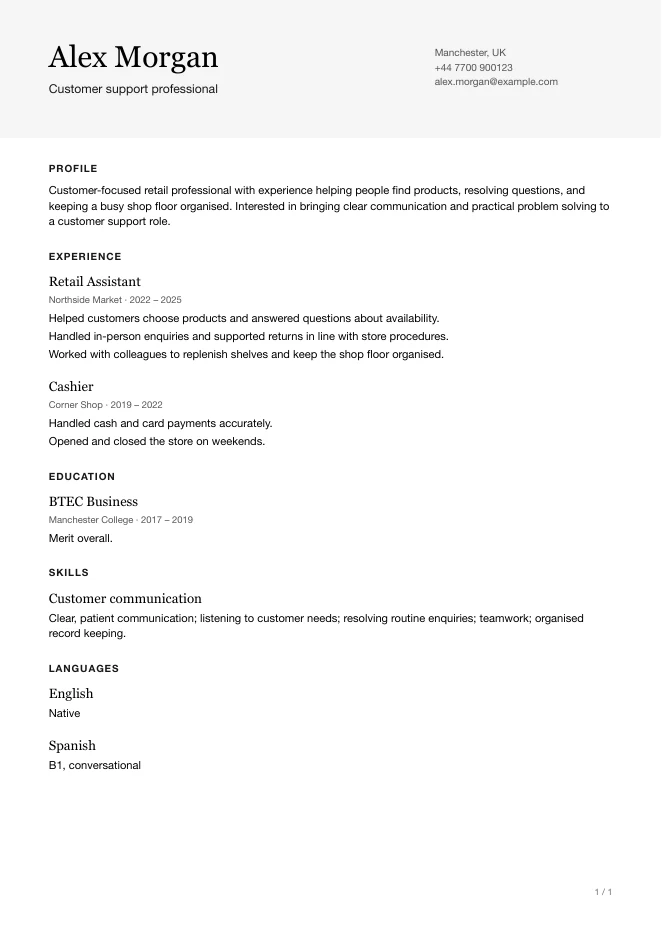 Classic
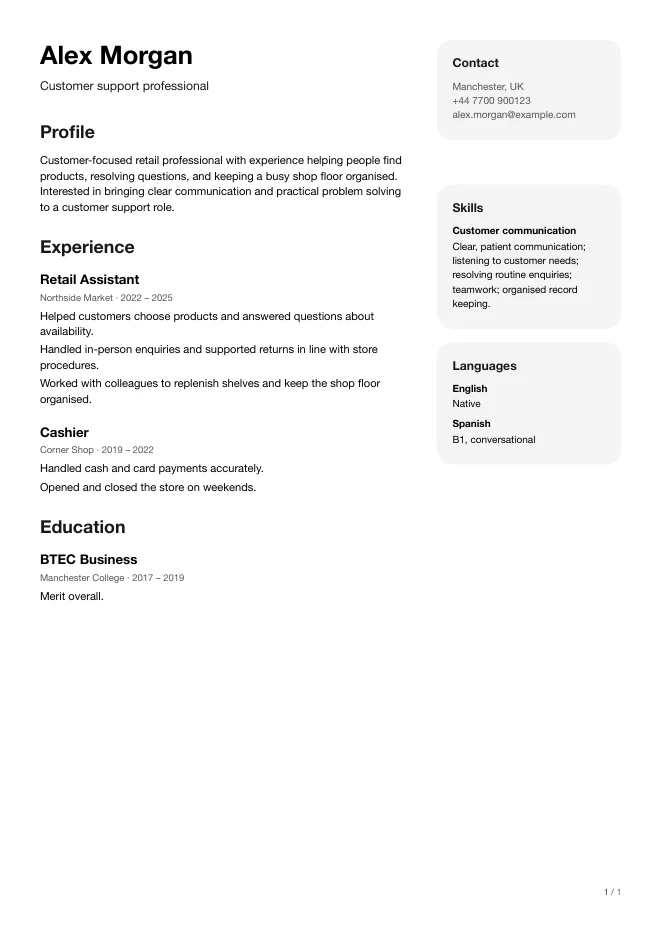 Modern
In c-v.ai your CV and cover letter come in six templates, from Classic and Modern to Banner and Timeline, each in six colours on A4 or US Letter.

Questions
Can ChatGPT write my cover letter?
It can draft one, but you must check it and add your own details. Tahatū, the New Zealand government’s career navigator, says AI text can be too general, exaggerated or inaccurate. The Royal Household lists content that is clearly AI-generated with little personal input as not acceptable.
Should I tell the employer I used AI?
Follow the employer’s stated position, as the University of Edinburgh’s careers service advises. None of the sources we opened sets a general duty to disclose, but if a form asks, answer honestly.
How long should an AI cover letter be?
The same as any cover letter. The UK’s National Careers Service says a cover letter should be brief, typically three to five paragraphs. Check the ad too, because some employers set a limit. Our guide on cover letter length covers more countries.
Will employers know it’s AI?
Maybe. Tahatū says recruiters and employers can often spot the difference, and the University of Liverpool says polished, generic text is a warning sign. Sentences you can explain and that name real examples from your work are the safest.
Is the AI cover letter in c-v.ai free?
No. AI cover letters are in Plus and in the one-CV purchase. Writing a cover letter yourself in the app is free.
Sources
- National Careers Service (UK): How to write a cover letter
- Tahatū Career Navigator (Tertiary Education Commission, New Zealand): Using AI to create a CV or cover letter
- University of Liverpool Careers and Employability: AI in job applications and recruitment processes
- University of Edinburgh Careers Service: Guidelines on the use of Generative AI in the application process
- Scottish Government: Recruitment candidate guide, Use of AI tools
- Royal Household: Using AI Tools in Your Application, Guidance for Candidates