
Import the CV you already have
Import a PDF, a scanned page, a Word (.docx) file or pasted text. c-v.ai reads it on your iPhone and sorts it into sections. If the app isn't sure where something belongs, it keeps it as text you can edit instead of guessing. You check what was read, then save.
Three ways to start
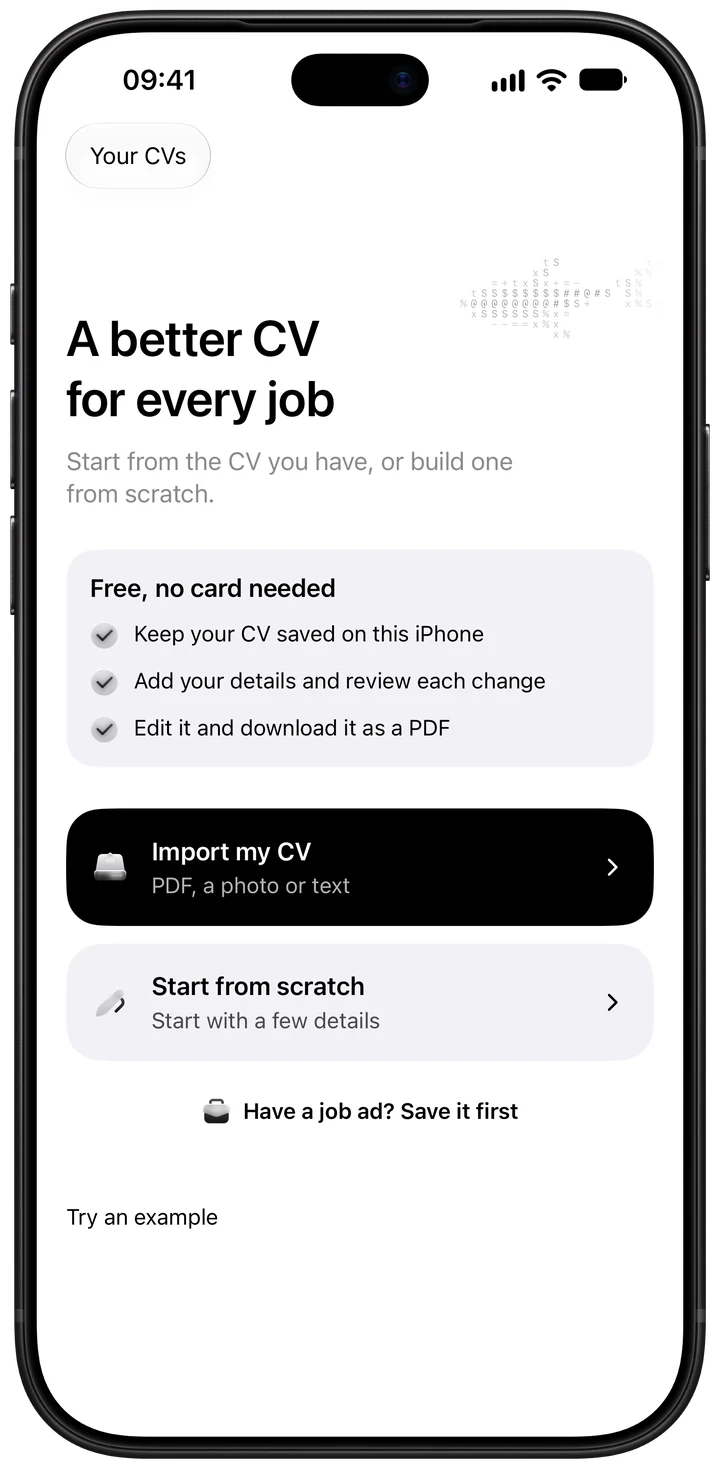
- Import a CV. Bring a PDF, Word file or text. Check what was read, fix anything flagged, then save.
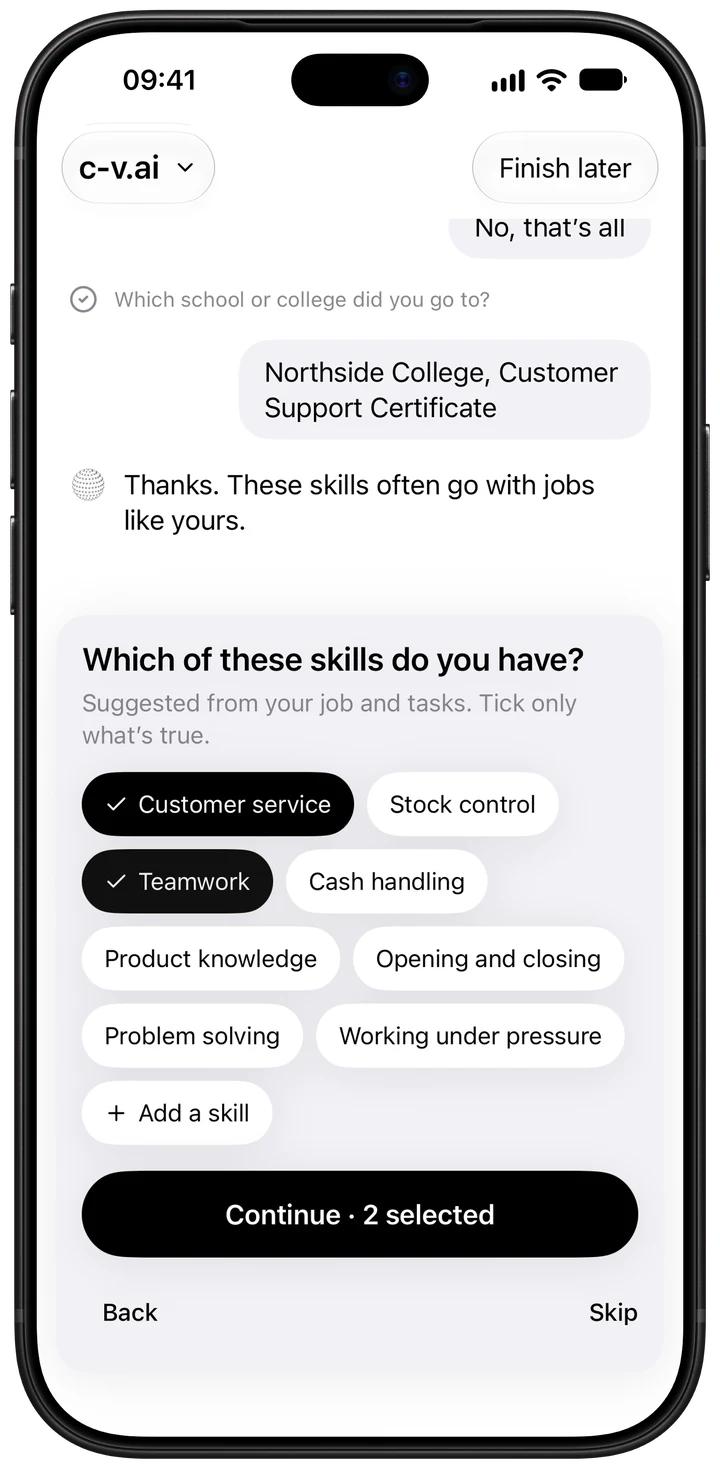
- Start from scratch. Answer a few questions in six short stages. Suggested skills start unticked, so only what's true goes in.
- Start from a job ad. Save the ad first, then import or build your CV and tailor it to that job straight away.
What happens to unclear parts
Old CVs often have tables, columns or headings the reader can't place with confidence. c-v.ai doesn't guess. It keeps those parts as editable text and marks them, so you decide where they go.
After importing
Once your CV is in, you can sharpen the wording with AI review, tailor it to a job ad, pick a template and export a PDF.
Questions
Which files can I import?
PDF (including scanned pages), Word (.docx) and plain text, or pasted text. If a Word file contains embedded images, the app asks for a PDF copy instead.
Can I import a printed CV?
Yes. Scanned pages are read on your iPhone.
Is importing free?
Importing a CV is free. AI import, which sorts the text into sections, is free after Sign in with Apple.
No CV yet?
Start from scratch instead: answer a few questions in six short stages, skip anything optional, and use your own words. See How to write a CV with no experience.