
A readability check on every PDF
Before you send a CV, c-v.ai checks the PDF on your iPhone for what applicant tracking systems need to read it: selectable text, embedded fonts, your name and contact details as text, standard headings and a reading order that keeps each section together. If something might be misread, it tells you what and where.
What it checks
- Selectable text. The words are text, not a picture of text.
- Embedded fonts. Letters come out the same on any computer.
- Name and contact details as text. Not inside a header image or a graphic.
- Standard headings. Experience, Education, Skills and so on, so each section can be found.
- Reading order. Each heading comes before its section, and every job reads in one piece.
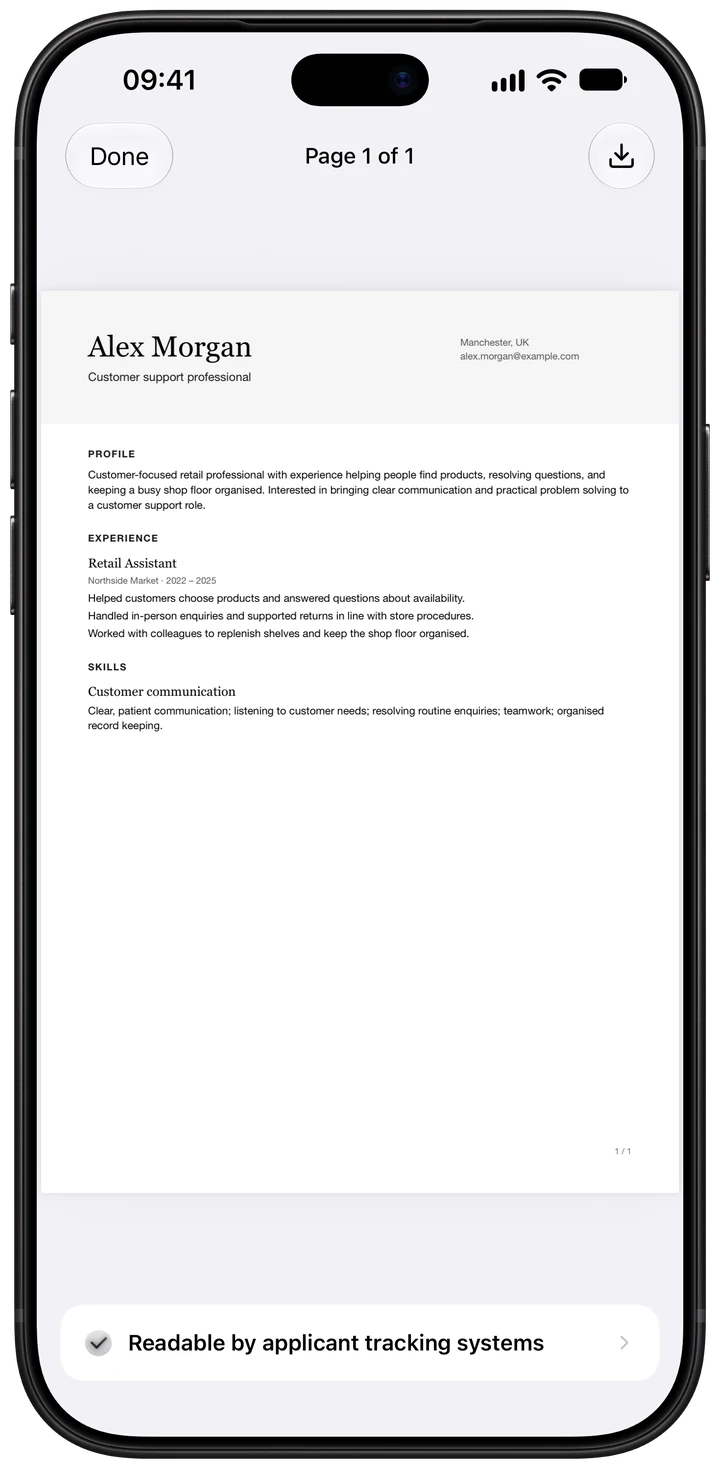
What you see
If a page might be misread, the app names the problem in plain words, for example "Skills is read in the middle of Experience", so you can fix it. The check runs on your iPhone, so your CV isn't uploaded anywhere for it.
What it can't tell you
Whether a person, or a particular employer's system, will shortlist you. That depends on how well your CV matches the job, which is what tailoring helps with.
Questions
Does the check guarantee my CV will get through?
No. Employers use different systems and settings, so no check can guarantee a result. It checks the things these systems need to read your CV, and tells you if any are missing.
Is the readability check free?
Yes. Every PDF you export is checked, with or without Plus.
Does it give me a score?
No. Scores from online checkers are made up by each tool. The app tells you what reads well and what might be misread, with a fix for each problem. Read ATS scores explained.
Can I check a CV I made somewhere else?
Import it into c-v.ai and export it as a PDF to run the check. You can also test any PDF yourself with the copy-and-paste test in How to make your CV ATS-friendly.